Seller Platforms for POD Marketplaces
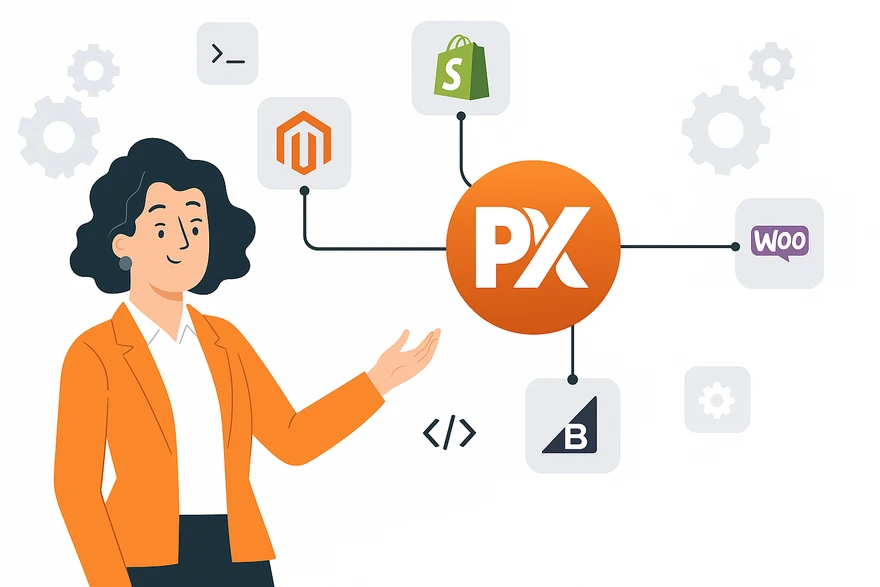
Launch a multi-seller POD marketplace under your brand. Sellers use your catalog, upload designs, and publish to their own Shopify, WooCommerce, or Magento eCommerce stores through branded apps you control. Orders flow back to you for white-labeled fulfillment. Onboarding, commissions, payouts, and analytics — all managed from your central admin panel.






Without Multi-Seller Infrastructure, Every Seller You Add Creates a New Coordination Problem, Not a New Revenue Stream.
No Scalable Marketplace Infrastructure
- Sellers who want to sell on their own Shopify or WooCommerce store need separate integrations, separate product feeds, and separate order tracking. You're building this per seller, not once for all of them.
- Commission and margin management done manually. No systematic way to set rates, track earnings, or run payouts at scale across multiple sellers.
- No seller-facing dashboard. Sellers manage orders, products, and payouts by emailing you, and support volume grows with every seller you add.
- No onboarding workflow. Each seller requires manual account setup, platform configuration, and product listing review.
- No aggregate visibility. You have no single view of GMV, order volume, top sellers, or marketplace performance across all seller activity.
Scalable Marketplace Infrastructure
- Each seller connects their Shopify, WooCommerce, or Magento store via your branded app. Products, orders, and fulfillment sync automatically across all platforms.
- Commission rates set globally or per seller: flat, percentage, or tiered. The platform calculates commissions on every order and generates payout reports automatically.
- Sellers manage their own store, products, pricing, and analytics from a purpose-built dashboard. Support requests to you drop significantly.
- Seller onboarding is self-service with your branded registration page. Auto-approve or manually review: each accepted seller gets their dashboard immediately.
- Your marketplace admin panel shows aggregate GMV, revenue, orders, active sellers, and conversion across your full seller base, with per-seller drill-down.
Marketplace Admin vs. Seller Dashboard
Everything You Need to Run a Multi-Seller Marketplace
Seller Onboarding & Approval
Branded registration flow with auto-approve or manual review. Set criteria-based rules (business type, location, product category). Rejected applicants get automated feedback emails.
Connected Seller eCommerce Stores
Each seller gets a branded eCommerce store on your marketplace — or connects their own Shopify, WooCommerce, or Magento store via your branded app. Products, orders, and fulfillment sync automatically across all connected platforms.
Commission & Margin Management
Set commission rates globally or per seller. Flat fee, percentage, or tiered models. Real-time commission tracking on every order. Sellers see their earnings and your take transparently.
Automated Payouts
Process payouts on your schedule — weekly, bi-weekly, or monthly. Supports bank transfer, PayPal, and Stripe Connect. Sellers see payout history, pending amounts, and next payout date in their dashboard.
Seller Analytics Dashboard
Each seller sees their sales, orders, conversion rate, top products, and earnings in a dedicated analytics dashboard. Marketplace admins see aggregate data across all sellers plus per-seller drill-down.
Product Listing Controls
Define which base products sellers can list, set minimum pricing rules, enforce content moderation, and approve or reject new listings. Sellers manage products within the boundaries you set.
Launch a Multi-Seller Marketplace in Three Steps
Onboard Sellers
Configure Commissions & Rules
Sell, Fulfill & Pay Out
Print Businesses Running Multi-Seller Marketplaces on PrintXpand
“"We launched our marketplace with 15 sellers. Within six months we had 60. We could never have managed that growth without the seller platforms infrastructure. Onboarding is self-service, Shopify integrations go live automatically, and payouts run on a weekly schedule without anyone touching them."”
“"Our sellers were selling on their own Shopify stores and we had no visibility into those orders. Now every order, from every seller's Shopify, WooCommerce, or Magento store, flows into our central fulfillment queue automatically. We process three times the order volume with the same team."”
Launch Your Multi-Seller POD Marketplace
Book a personalized demo and see how seller platforms turn your print business into a scalable marketplace — with onboarding, commissions, and payouts built in.