Print Proofing Software
Proof. Annotate. Approve. Produce.
Replace email-based proofing with a branded online approval portal. Customers view high-resolution proofs, annotate directly on the artwork, compare versions side-by-side, and approve with a single click. Approved files trigger production automatically — no manual handoff.






Why Email Proofing Costs You Time and Reprints
Proofs Lost in Email Threads
Proofs go out by email. Customers reply with feedback buried in thread chains. Your team spends 30 minutes per job searching for the latest approved version across email, Slack, and text messages.
✓ Central proof portal — every version, comment, and approval in one place
Endless Revision Cycles
Feedback is vague: "move the logo a bit." No annotation on the actual artwork. Your designer guesses, sends another proof, waits another day. Three revision rounds for a simple business card.
✓ On-artwork annotation — customers mark exactly what needs to change
Reprints From Unapproved Changes
Production starts before formal approval. The customer says "I didn't approve that version." No audit trail. You eat the reprint cost and the delivery deadline.
✓ Digital sign-off with timestamp, IP, and audit trail — legally defensible
Professional Proofing Built for Print
High-Resolution Proof Viewer
Customers view proofs at full print resolution — zoom to 400%, pan across large-format artwork, and check details on any device. No PDF downloads required.
On-Artwork Annotation
Draw directly on the proof — circles, arrows, highlights, and text comments. Pin comments to specific areas. Designers see exactly what the customer means.
Side-by-Side Version Comparison
Compare proof versions with slider overlay, side-by-side, or toggle view. See exactly what changed between revisions. Highlight differences automatically.
Multi-Stakeholder Approval
Route proofs to multiple approvers — designer, brand manager, client. Set required vs optional approvers. All stakeholders must sign off before production starts.
Auto Production Trigger
When all required approvers sign off, the approved file routes to production automatically — hotfolder, MIS job ticket, or vendor PO. Zero delay between approval and press.
Full Audit Trail
Every view, comment, annotation, and approval is logged with timestamp, user ID, and IP address. Downloadable proof log for dispute resolution and compliance.
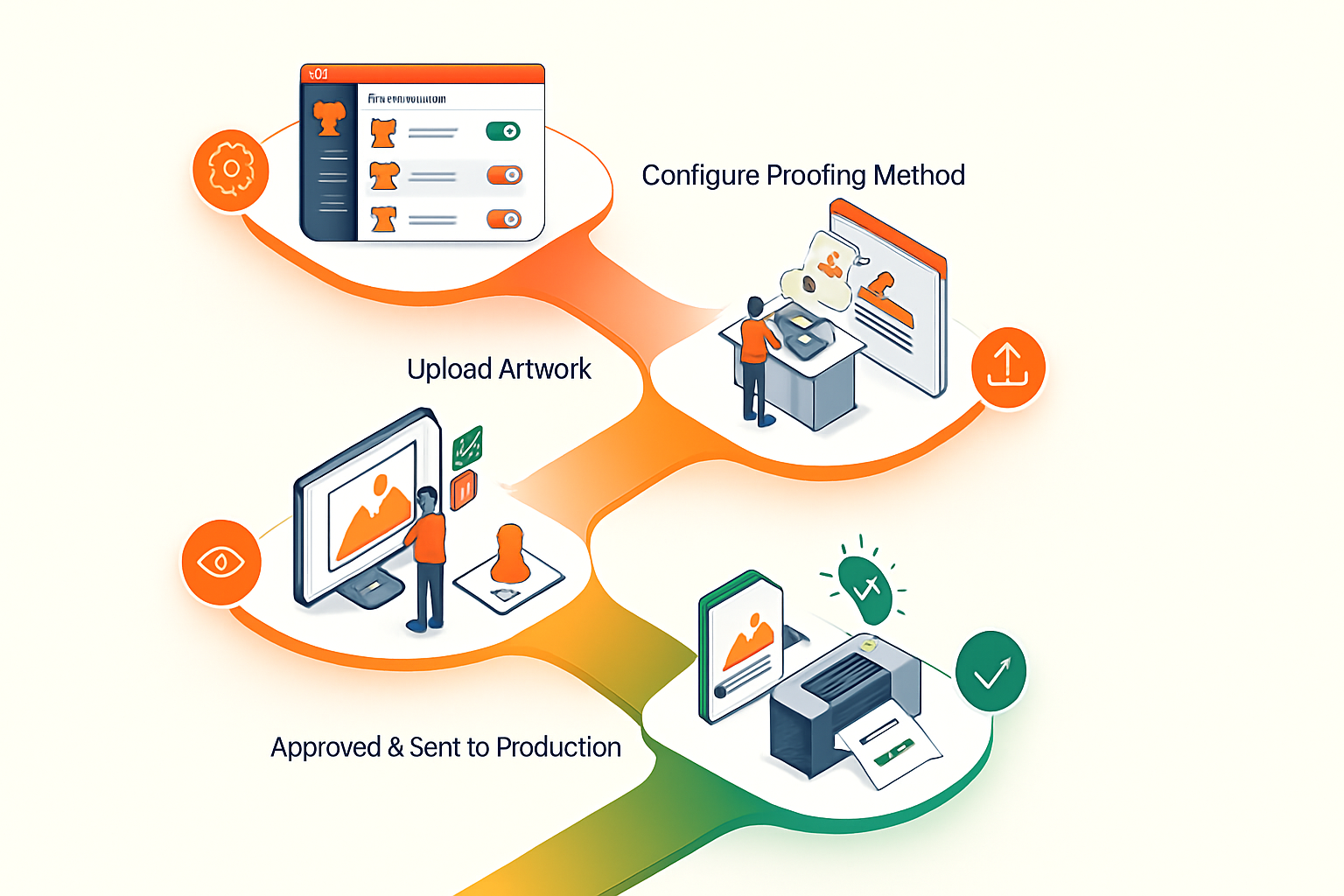
Set Up Proofing in 4 Steps
Upload Proofs
Send for Approval
Review & Annotate
Approved = Production
Print Proofing Software in the PrintXpand Ecosystem
Print Proofing Portal
The approval layer — online proofing, annotation, and sign-off that connects design to production.
Print MIS / ERP
Approved proofs trigger job tickets in MIS automatically. Production scheduling starts on approval.
Hotfolder Integration
Approved artwork drops into watched folders for RIP processing — PDF ready for press.
eCommerce Store
Orders placed on the eCommerce store generate proofs automatically. Customers approve from their order dashboard.
Product Designer
Artwork created in the design tool routes to proofing when manual approval is required.
Built for Your Print Business
eCommerce Store for Promo Distributors
Most promotional product distributors struggle with managing custom artwork across hundreds of SKUs and coordinating vendor fulfillment — PrintXpand gives you a single platform to handle it all.
- Branded merchandise ecommerce with product personalization
- Pop-up campaign stores & permanent corporate gifting portals
- PX Connect: source direct from Geiger & PF Concept — no stock held
- MOQ pricing, volume breaks & redemption/budget controls
- Automated brand-compliance checks on every order before output

Retail Decorators: AI-Enabled Decoration for Apparel & More
Retail decorators cover all retail and personalization — apparel, accessories, gifts, and more. PrintXpand's AI-enabled design tools, multiple printing options, and automated proofing eliminate the bottleneck.
- Garment designer with color variant & size matrix configurator
- DTF Gangsheet Builder — auto-nested, press-ready on every order
- Name & number personalization for team kits & sportswear
- PX Connect: source blanks from SanMar, S&S & Alphabroder — no stock held
- Artist Marketplace to sell curated designs on your eCommerce store

Commercial Print Shops
Commercial print shops juggle rush orders, reprints, and multi-format output without a unified workflow — PrintXpand connects your eCommerce store, prepress, and MIS into one pipeline.
- Variable data printing with unlimited product templates
- Gang-run scheduling & automated imposition
- Trade pricing tiers and B2B client portals
- Integrated MIS/ERP for job tracking and costing
- Hotfolder routing to prepress & RIP

Large Format
Wide-format and signage shops waste time recreating artwork at different scales and materials — PrintXpand's design tool auto-generates print-ready files for any substrate.
- Size-based flexible pricing engine
- Template-based custom size input
- Artwork upload with bleed/trim verification
- Substrate & finish selector
- Automated print-ready file output

Packaging: Box Design & Dielines
Packaging producers face complex die-line management and version control across dozens of SKU variants — PrintXpand's web-to-pack tools handle structural design and approval in one flow.
- Interactive dieline editor for custom packaging shapes & sizes
- 3D box configurator — buyers see exactly what they're ordering
- Substrate, finish & print spec selector (SBS, corrugated, kraft)
- Estimating & Quoting: instant price by size, qty & substrate
- Integrates with Print MIS for automated production routing

Real Results with Print Proofing Software.
“"We used to lose 2-3 days on every proofing cycle because of email back-and-forth. Now customers annotate directly on the artwork and approve in hours. Our average proof-to-production time dropped from 4 days to 6 hours."”
“"The audit trail saved us on a $15K reprint dispute. We showed the client their approval with timestamp, annotations, and IP address. Case closed. That single incident paid for the software."”
Ready to Transform Your Print Proofing Software?
Cloud or On-Premise — both include the full platform. No per-transaction fees.
PX Cloud
Managed hosted solution. Operational from day one.
PX Cloud+
Fully managed & customized. Dedicated infrastructure.
PX On-Premise
Self-hosted, full source code. One-time license.