Automated Job Management
Every order becomes a job ticket automatically. Track production from prepress to dispatch with QR codes, automated status updates, and real-time shop floor visibility.
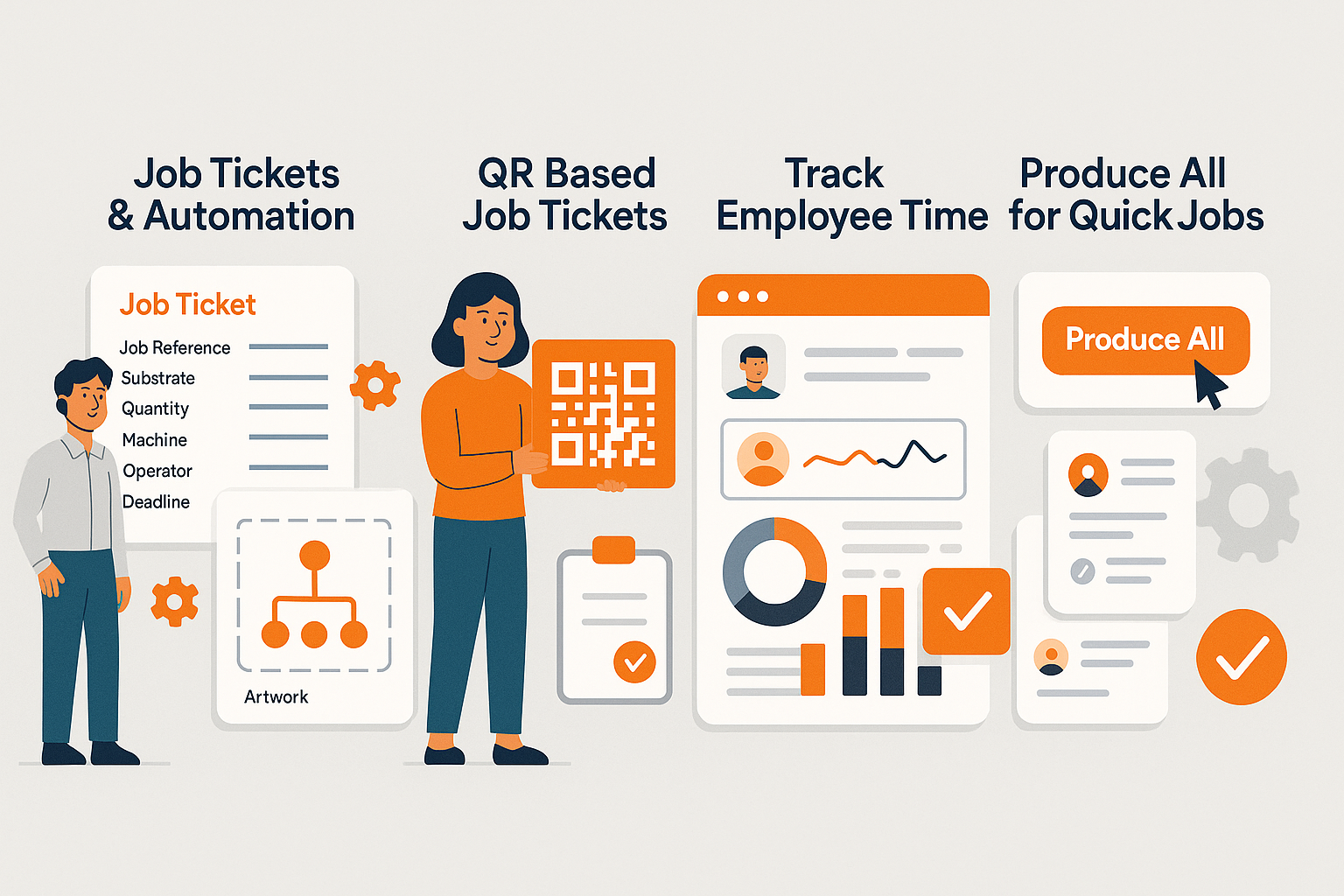






Running Production on Paper Tickets Means Something Gets Lost or Misread Every Week.
Manual, Paper-Based Process
- Orders communicated to production by email or printed order forms: easy to miss, easy to misread.
- No shop floor visibility: managers walk the floor to check what's running and what's waiting.
- Time per stage tracked by memory or not at all. Labour costs for individual jobs are guesswork.
- Job status updates involve chasing operators or checking a whiteboard that's three steps behind.
- Artwork files and job specs stored separately from the job: operators hunt for the right version every time.
Automated, End-to-End Job Management
- Every order becomes a structured digital job ticket automatically, with specs, artwork, substrate, and deadline all attached.
- Operators scan the QR code on the ticket at each stage. Status updates appear in PrintERP the moment they scan.
- Time per stage is logged automatically at every QR scan. Actual labour costs per job are real, not estimated.
- Managers see the entire production floor in real time without leaving their desk.
- Workflow rules trigger next steps automatically: ticket created, notify prepress; job complete, alert dispatch.
Job Tickets & Automation Benefits
Auto-Generated Tickets
Orders automatically create structured job tickets with all production details: substrate, quantity, colors, artwork, and deadline.
QR Code Shop Floor Tracking
Print QR codes on tickets. Operators scan to update status, log time, and record material usage at each stage.
Automated Workflow Rules
Define rules that trigger actions: send to prepress on approval, notify dispatch on completion, alert customer on shipment.
What Job Tickets Include
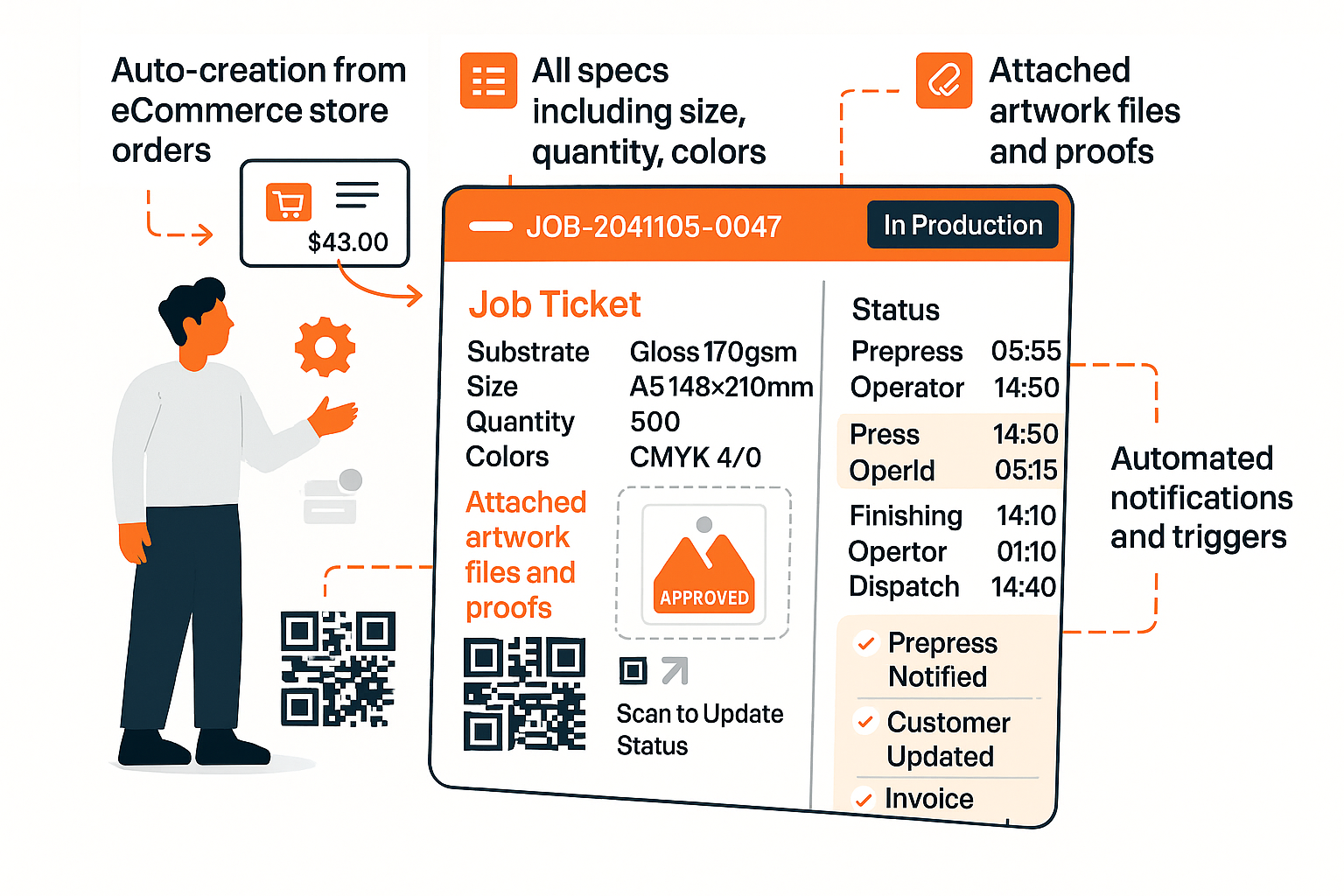
What Job Tickets Include
Each ticket captures everything production needs: substrate, quantity, artwork files, and delivery instructions.
- Auto-creation from eCommerce store orders
- All specs: substrate, size, quantity, colors
- Attached artwork files and proofs
- QR code for shop floor scanning
- Status history and time tracking
- Automated notifications and triggers
Job Tickets & Automation Workflow
Order Placed
Ticket Created
Production Tracked
Job Completed
Print Operations Running on Automated Job Tickets
“"We used to run production on printed order sheets stuffed into a job bag. Files were attached by email somewhere. Now every ticket has the specs, the artwork, and the QR code right there. We haven't lost a job or printed the wrong version since we went live."”
“"The time tracking alone paid for the whole system. We discovered our large-format jobs were taking 40% longer than we quoted. We repriced that work and recovered margin we didn't know we were losing."”
Ready to Automate Your Print Operations?
See job tickets and automation in action. Free POC in days, not months.