Job Planning Module for Print Production.
Schedule, allocate, and optimise print production with visual timelines. Drag-and-drop job scheduling, resource allocation, capacity planning, and deadline tracking: all connected to Print MIS/ERP.
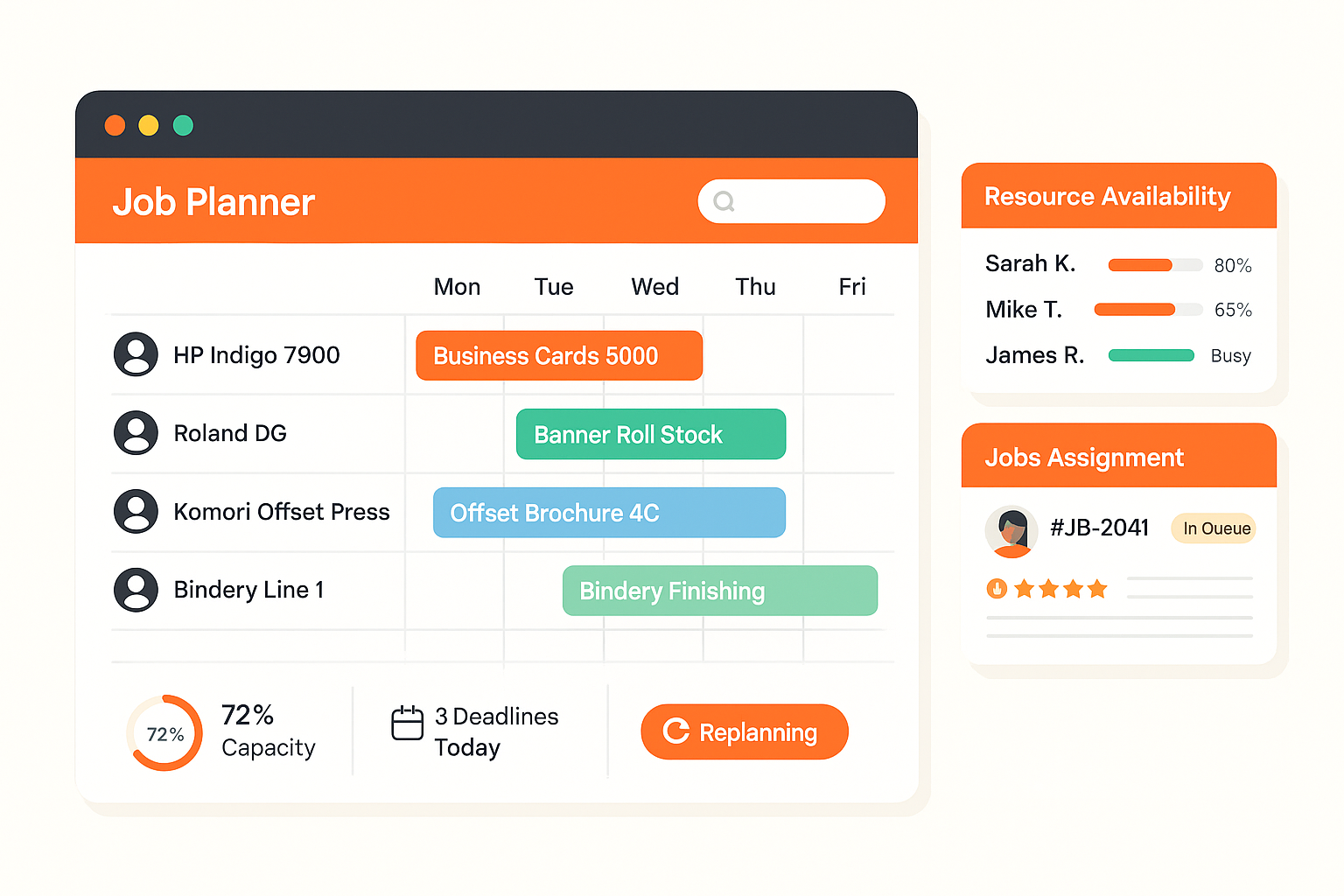






Scheduling Print Jobs Without a System Means Timelines Live in Someone's Head.
Manual, Error-Prone Scheduling
- Job schedules built in spreadsheets or whiteboards: updated by one person, invisible to everyone else.
- Resource conflicts discovered at the press stage, when it's too late to reroute the job.
- Deadline tracking done in email and memory. Jobs miss delivery dates before anyone notices a problem.
- No capacity visibility: operators don't know if a machine can take the job until they physically check.
- Schedule changes take half a day to communicate across the production floor.
Visual, Connected Production Scheduling
- A Gantt-style visual timeline shows every job, machine, and operator across your full production window.
- Resource conflicts surface before they happen: capacity heatmaps flag overloaded machines before you commit.
- Set delivery deadlines once. The planner alerts your team automatically when a job risks missing its date.
- Drag a job to a new slot and the change reflects instantly for everyone on the floor.
- Every schedule update writes back into Print MIS/ERP: tickets, status, and production stage all stay in sync.
Job Planning Module Benefits
Visual Production Timeline
Gantt-style scheduler showing all jobs, machines, and resources on a drag-and-drop timeline. See capacity at a glance.
Resource Allocation
Assign jobs to specific machines, operators, and production lines. Track availability and utilisation per resource in real time.
Deadline Management
Set delivery deadlines and work backwards through production steps. Automatic alerts when jobs risk missing deadlines.
What Job Planning Includes
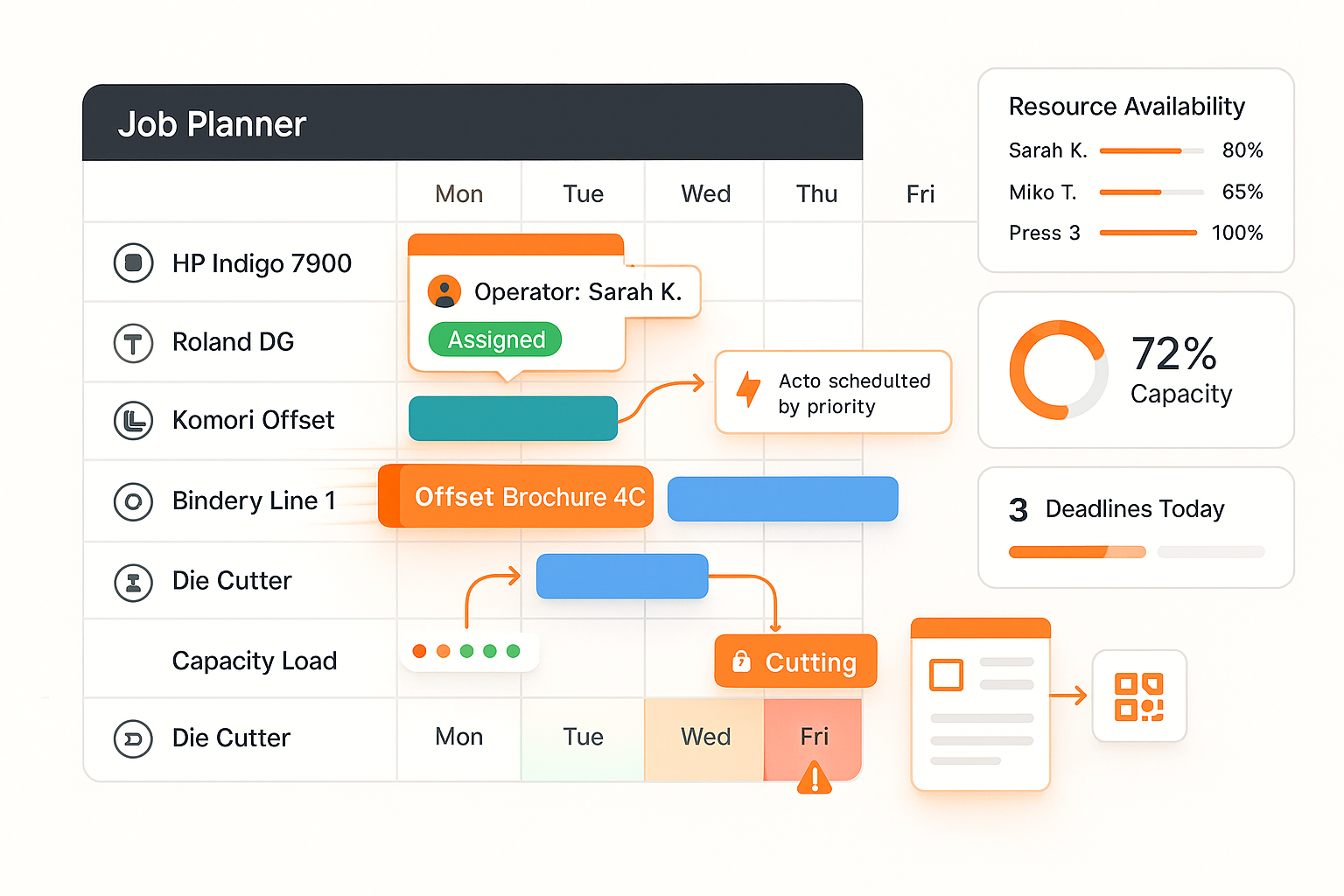
What Job Planning Includes
Complete view of schedule, resources, and deadlines with tools to optimise throughput and prevent bottlenecks.
- Drag-and-drop Gantt scheduler
- Machine and operator assignment
- Capacity heatmaps per resource
- Auto-scheduling based on priority
- Dependency chains between steps
- Integration with job tickets and MIS
Job Planning Module Workflow
Jobs Created
Schedule Assigned
Resources Allocated
Production Tracked
Print Shops Running on Visual Job Planning
“"Before Job Planning, our schedule was a whiteboard only the production manager could read. Now the whole team sees what's running, what's next, and where the gaps are. We cut our scheduling meetings from daily to weekly."”
“"We used to lose jobs in the gap between sales taking an order and production getting it. The Job Planning Module connected those two worlds. Every confirmed order shows up on the production schedule automatically. We haven't missed a deadline in four months."”
Ready to Automate Your Print Operations?
See job planning module in action. Free POC in days, not months.