Hot Folder Automation
Automate file routing from order to press. Hot Folder monitors directories, detects incoming print-ready files, applies prepress rules, and sends them to your RIP or production queue: zero manual file handling.
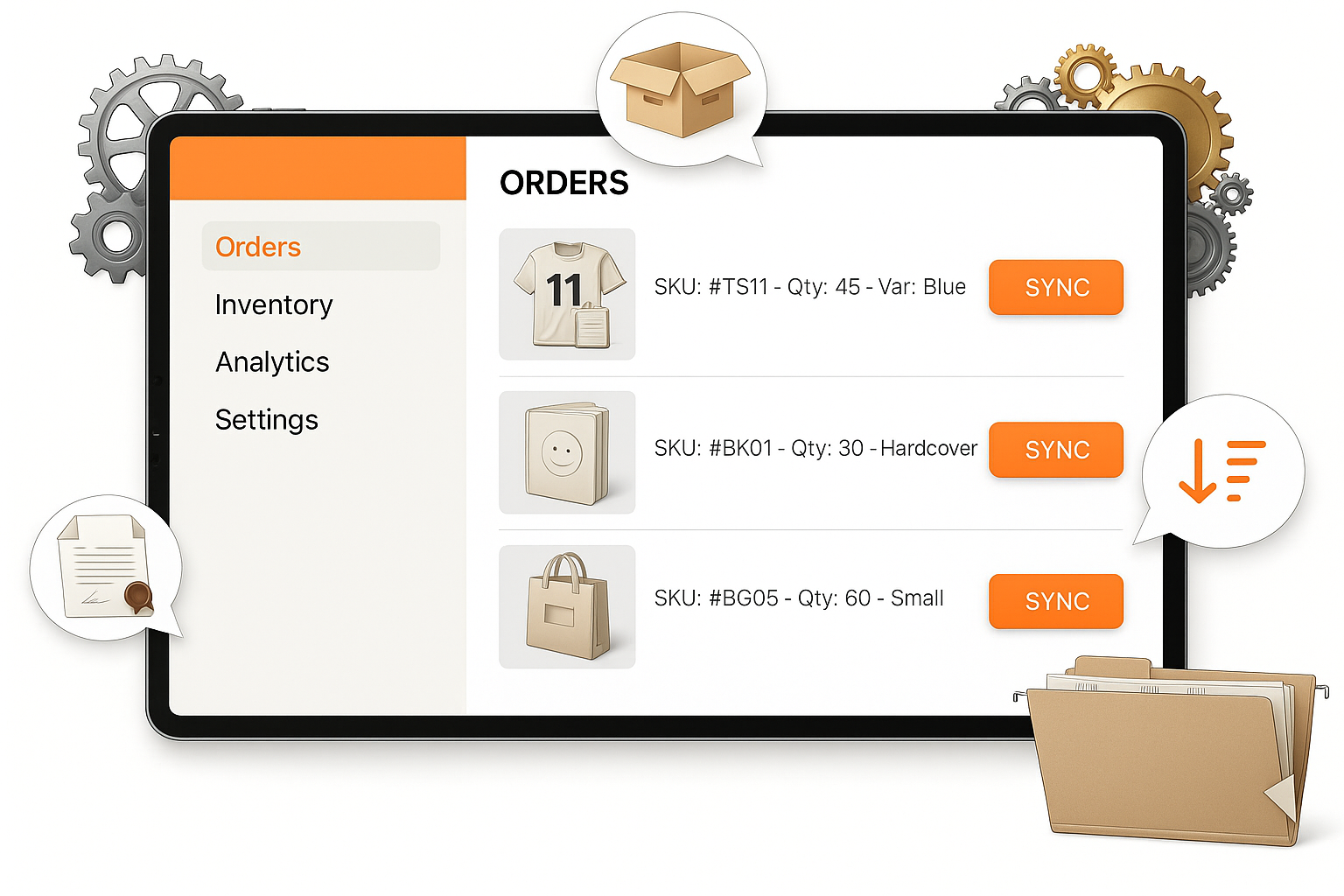






Manual File Routing Means an Operator Is Moving Every Print File by Hand.
Manual, Error-Prone Process
- Files arrive by email or FTP. An operator downloads, renames, and moves each one to the correct queue manually.
- Prepress rules applied inconsistently: colour profiles, bleed checks, and imposition depend on who's on shift.
- Routing decisions made job by job. The wrong substrate gets loaded because there's no rule, only habit.
- No visibility into file status once it leaves the inbox. Teams chase each other to confirm files made it to the RIP.
- Production delays from a missed file, a wrong folder, or a forgotten colour conversion, discovered at the press.
Automated, Zero-Touch Workflow
- Files from your eCommerce store, operator upload, or email intake drop into a watched folder and route instantly. No one touches them.
- Your prepress ruleset fires automatically: colour conversion, preflight, imposition, and file renaming run every time without exception.
- Routing rules send each file to the right RIP, printer, or queue based on product type, substrate, and file format. No manual decision.
- Job status in PrintERP updates as files move. Production always knows where every file is without asking.
- Consistent metadata tagging means no lost jobs, no wrong substrates, no last-minute reprints.
Hot Folder Benefits
Zero Manual File Handling
Files route from order to press without human intervention. Hot Folder watches directories, detects file types, and triggers production workflows automatically.
Prepress Rule Engine
Apply color conversion, imposition, preflight checks, and naming conventions automatically as files pass through the Hot Folder pipeline.
Multi-Printer Routing
Route files to specific printers, RIPs, or production queues based on product type, file format, substrate, or any custom rule.
How Hot Folder Works
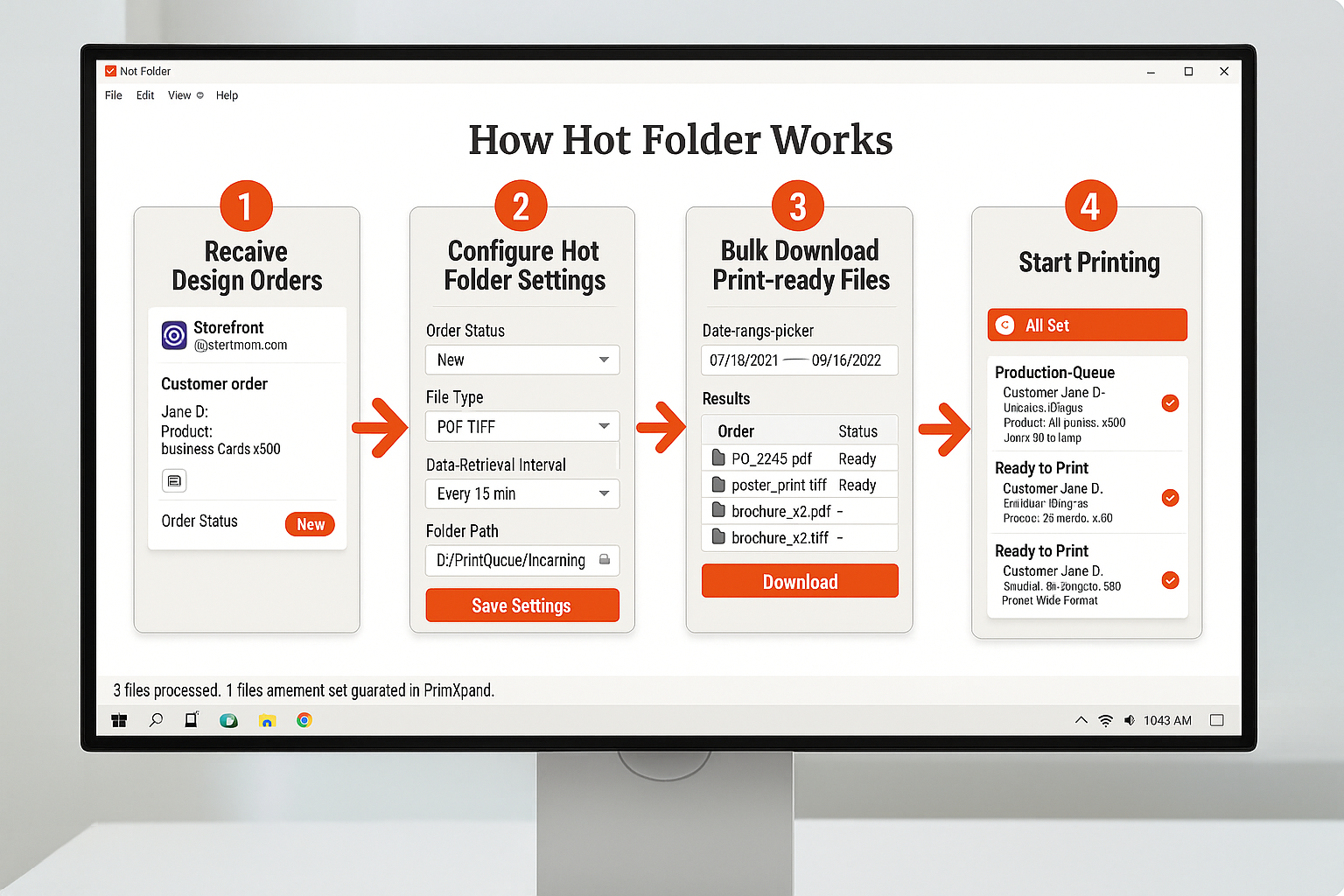
How Hot Folder Works
Hot Folder continuously monitors directories on your server or cloud storage. When a new file arrives, it checks file type, applies rules, and routes to the correct output.
- Watch folders on local, network, or cloud storage
- Auto-detect PDF, TIFF, EPS, AI, PSD files
- Apply color profiles (CMYK, sRGB, Pantone)
- Imposition and ganging rules
- File renaming and metadata tagging
- Route to RIP, prepress queue, or archive
Hot Folder Workflow
File Arrives
Rules Applied
Routed to Press
Job Updated in MIS
Print Businesses Running on Hot Folder Automation
“"We used to have one operator whose entire job was moving files from email to the RIP queue. Hot Folder eliminated that role entirely. Files now route themselves, colour converted, renamed, and queued, the moment they arrive. That operator now handles customer escalations instead."”
“"Before Hot Folder, we'd find a wrong substrate loaded two hours into a run. Now every file carries the right metadata and routes to the right printer automatically. Our reprint rate dropped from roughly 8% of jobs to under 1%."”
Ready to Automate Your Print Operations?
See hot folder in action. Free POC in days, not months.