Artwork Approval Software
Stop chasing proof approvals over email. Give your customers a branded online portal to review, annotate, and digitally sign off on artwork — with full version history, timestamps, and automatic job status updates in your Print MIS/ERP.
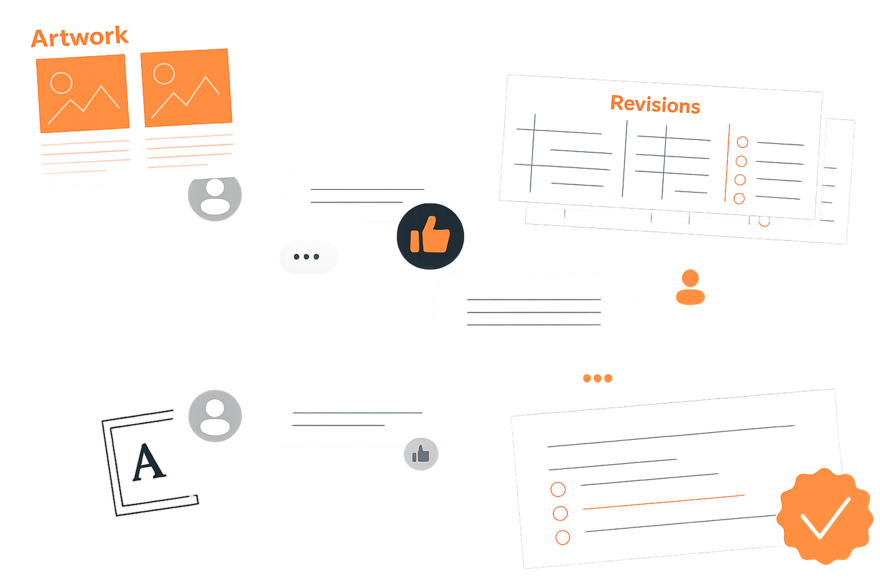






Email-Based Artwork Approval Is Costing You Time, Money, and Jobs.
Manual, Error-Prone Process
- Proofs sent by email — version confusion causes wrong files going to press
- Customers reply to the wrong email thread, approval status unclear
- No automated preflight: file issues discovered only after artwork hits the RIP
- Staff chase approvals manually, causing production delays on every job
- Reprints from unapproved or mismatched artwork files hit margin on every batch
Automated, Efficient Process
- Customers review and approve proofs in a structured online portal — no email threads
- Automated preflight catches file issues before the proof is even sent
- Every approval is timestamped with a full audit trail per job
- Automated reminders chase customer approvals so your staff don't have to
- Only approved, preflight-passed files move to production — reprints drop significantly
Eliminate Proof Delays, Prevent Costly Reprints
Online Proofing Portal
Customers review print-ready artwork in a branded portal — no more emailing PDFs back and forth. Supports high-res preview with zoom, pan, and color-accurate rendering.
Pin-Point Annotations
Customers drop precise annotations directly on the artwork — mark exact spots for color changes, text corrections, or layout adjustments. Each annotation is numbered and timestamped.
Digital Sign-Off & Audit Trail
Legally traceable digital approval with timestamps, IP logging, and version locking. Once approved, the signed-off version is locked and routed to production automatically.
Every Proof Cycle, Managed in One Place
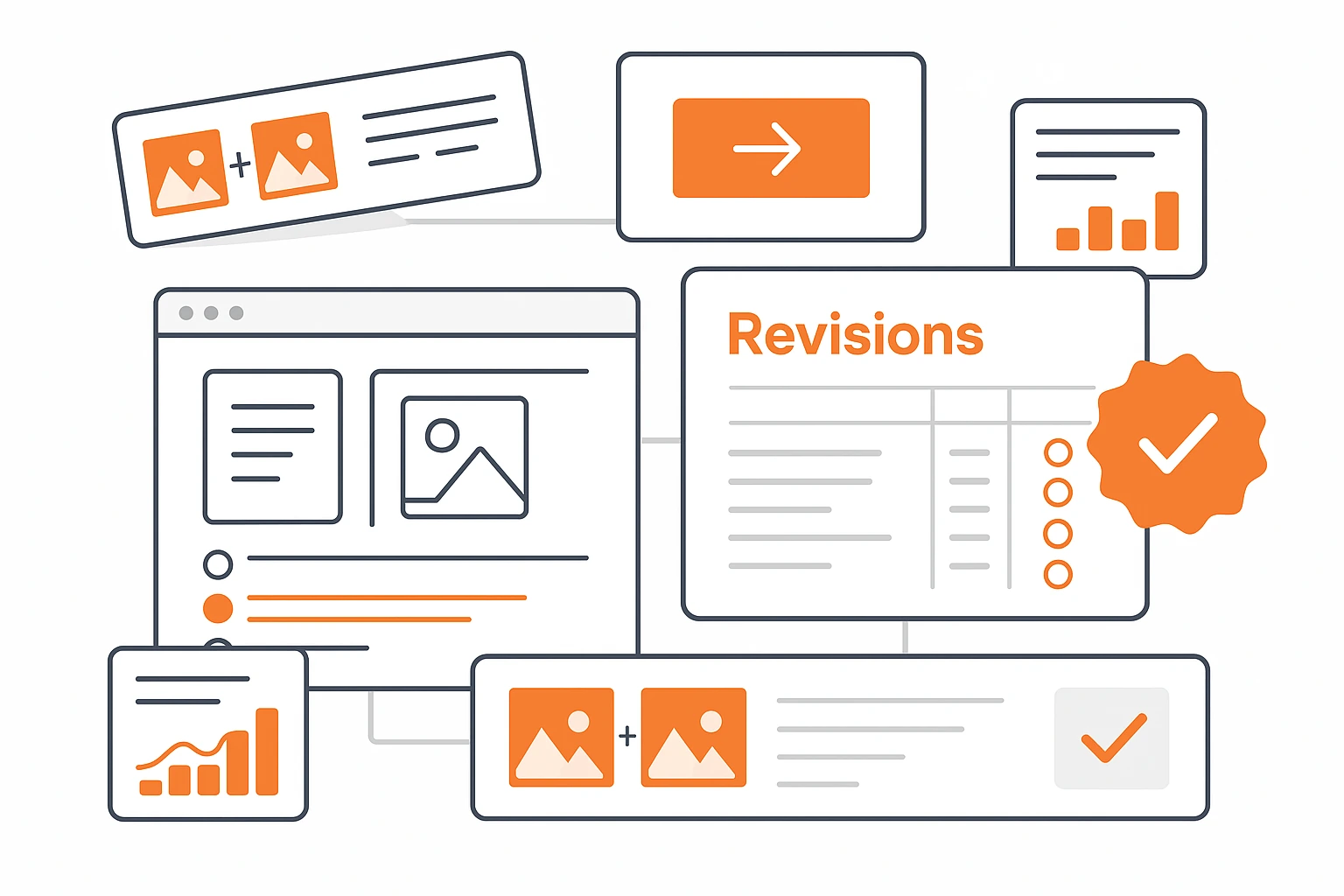
Customer-Facing Proof Portal
Share a unique proof link with your customer. They open the artwork in a branded viewer — no login required. They can zoom into fine details, compare versions side by side, and leave precise feedback without downloading any files.
- Branded portal with your logo and colors
- No customer login required — magic link access
- High-res zoom and pan on print-ready files
- Side-by-side version comparison
- Mobile-responsive — customers can approve on any device

Annotation & Markup Tools
Customers and your prepress team annotate directly on the artwork. Drop numbered pins, draw highlight areas, and add text comments — all tied to the specific proof version. No more guessing which change goes where.
- Numbered pin-point annotations on artwork
- Area markup with rectangles and freehand drawing
- Threaded comment replies per annotation
- Annotation history across all proof versions
- Internal-only notes visible to your team only
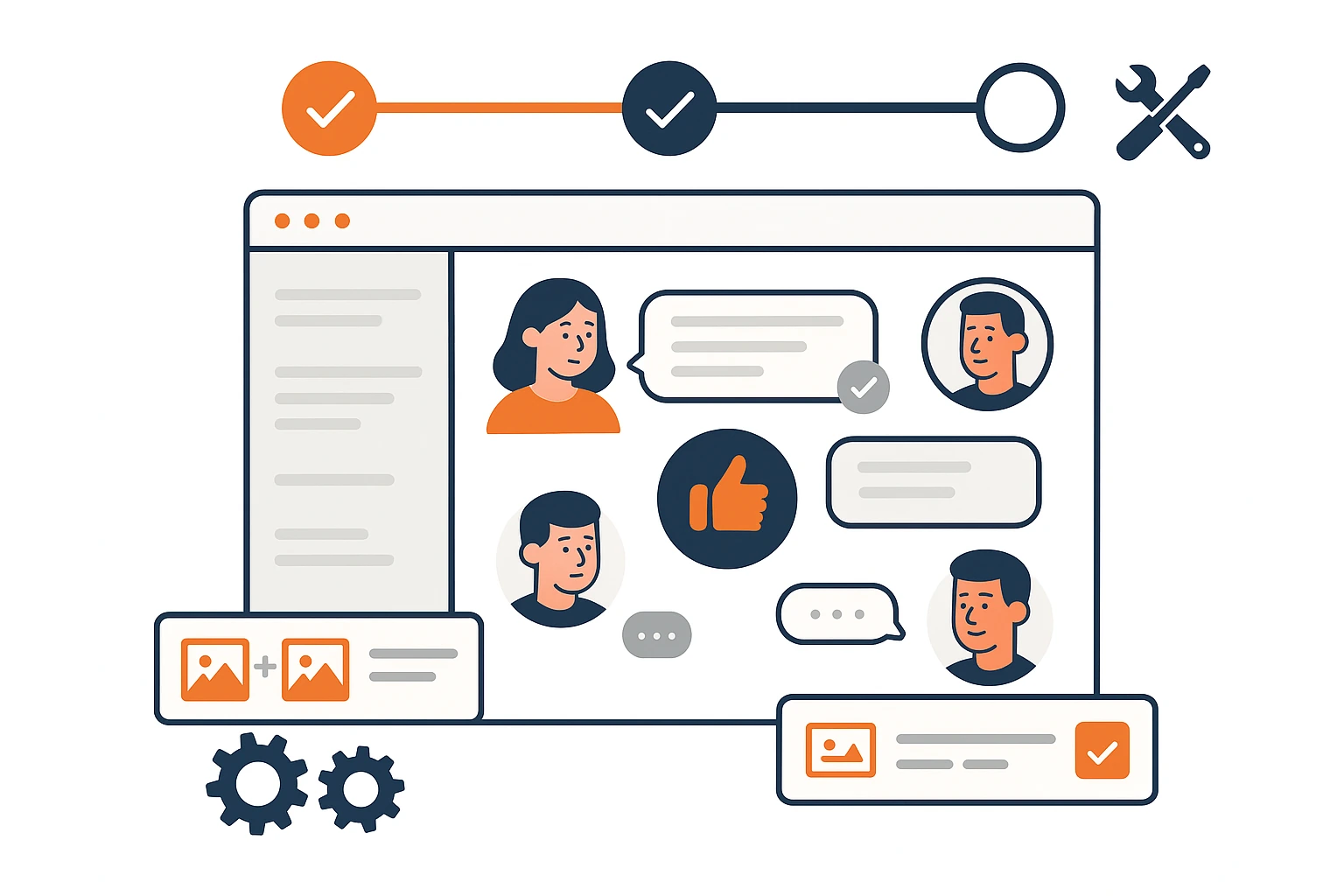
Approval Workflow & MIS Integration
When a customer clicks "Approve," the proof is locked, timestamped, and the job status in your Print MIS/ERP updates automatically. No manual status changes, no production delays waiting for approval confirmation.
- One-click approve or request changes
- Automatic job status update in Print MIS/ERP
- Approval timestamp with IP and device logging
- Locked proof version pushed to production queue
- Email/SMS notifications at every proof stage
From Upload to Approved in Four Steps
Upload Artwork
Customer Reviews
Annotate & Feedback
Digital Sign-Off
See Artwork Approval in Your Print Workflow
Book a personalized demo and see how online proofing eliminates email proof cycles, reduces reprints, and speeds up production.